PAN Card Update: How to Change Photo and Signature Online for Rs 107
Easily update your PAN card photo and signature through the official NSDL website for a fee of Rs 107. This straightforward online process requires an Aadhaar-linked mobile number for OTP verification, ensuring your official identification records are current and accurate.
Highlights
- •Update your PAN card photo and signature online for a fee of Rs 107.
- •Aadhaar-linked mobile number is mandatory to receive the verification OTP.
- •Applicants must upload a clear photo and a digital copy of their signature.
- •An acknowledgement receipt is provided upon successful submission and verification.
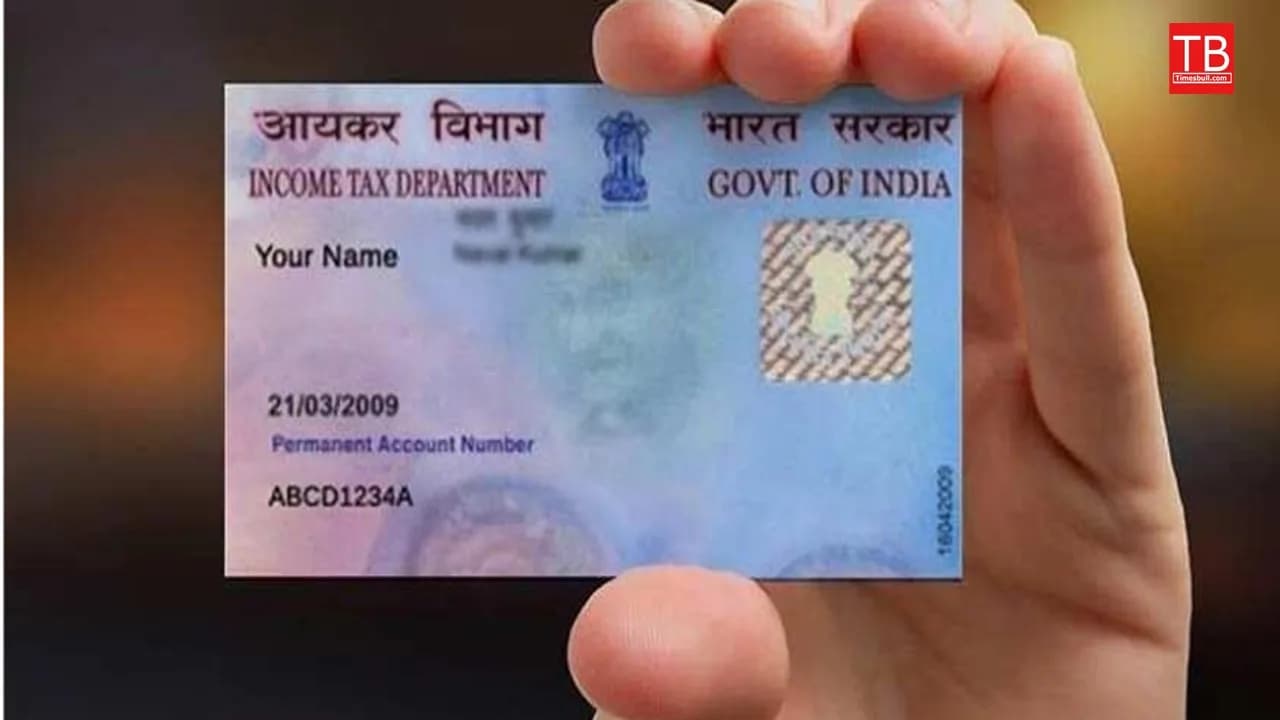
Maintaining accurate official documentation is essential for every taxpayer, and if you are looking to update your PAN card, the process has become incredibly streamlined. Many individuals find that the photograph or signature on their existing PAN card does not accurately represent them or needs a formal update. Fortunately, you can now modify these details from the convenience of your home using your mobile device for a nominal service fee of Rs 107.
This digital update service ensures that your identification records remain current, helping to avoid any discrepancies during financial transactions or identity verification processes. By following the standardized online procedure, you can replace an outdated image or a signature that no longer matches your current style without having to visit a physical office.
Essential Requirements for Your PAN Card Update
Before initiating the application, it is crucial to have all necessary documentation prepared to ensure a smooth transition. You will need a valid identity proof, such as your Aadhaar card or a driving license. Additionally, prepare a recent passport-sized photograph and a clear, high-quality digital scan of your current signature.
Since the verification process is linked to your digital identity, ensure that the mobile number registered with your Aadhaar is active and accessible. You will need this phone to receive an OTP (One-Time Password), which is mandatory for completing the authentication step of your PAN card update request.
Step-by-Step Procedure to Change PAN Card Details
To begin the PAN card modification process, navigate to the official NSDL portal. Under the 'Apply Online' section, select the option for 'Changes or Correction in existing PAN Data' and categorize your application as an 'Individual'. Fill in your basic details, including your full name and date of birth, to generate a unique token number. This number will allow you to resume your application if interrupted.
Proceed to the application form and select the 'Submit scanned images through e-Sign' option. If you require a physical copy of your updated PAN card, ensure you select 'Yes' when prompted. After providing your parents' information, upload your documents, including your new photo and signature, while adhering to the specified file size and format requirements.
Once you have reviewed your application, process the Rs 107 payment. Finally, verify your identity by entering the Aadhaar number and the OTP sent to your registered mobile device. After the successful verification, you will receive an acknowledgement receipt, confirming that your application has been submitted for processing. Ensure you monitor your email for updates regarding the status of your document replacement.