UP Board 2026 Exam Results: How to Download Your Marks
With over 5.2 million students appearing for Class 10 and Class 12 UP Board exams, anticipation is high as results are expected around April 2026 from UPMSP. Check your marksheets through official websites, DigiLocker or mobile apps like UMANG.
Highlights
- •UPMSP is conducting the class examinations, with over 5.2 million students participating.
- •Results are likely to be released during the second or third week of April, with some sources suggesting April 20 as a potential date.
- •More than half of the answer sheets have been evaluated by early April.
- •Students can check their results through official websites and apps like DigiLocker.
The Uttar Pradesh Madhyamik Shiksha Parishad (UPMSP) recently concluded the Class 10 and Class 12 examinations for the academic year 2025-2026. With over 5.2 million participating students, this examination holds significant importance in the lives of those awaiting their results.
The release date is expected during April 2026: While UPMSP hasn't announced a specific release date yet, media reports indicate that the exam results are estimated to be declared in the second or third week of April. According to some sources, the exact release date might even fall on April 20.
Evaluation Process and Results Availability
The evaluation process commenced on March 18, 2026, with preliminary reports suggesting that more than half of the answer sheets have been graded. Over 191,660 High School (Intermediate) examination copies and 178,150 High School (High School) examination copies had been evaluated by early April.
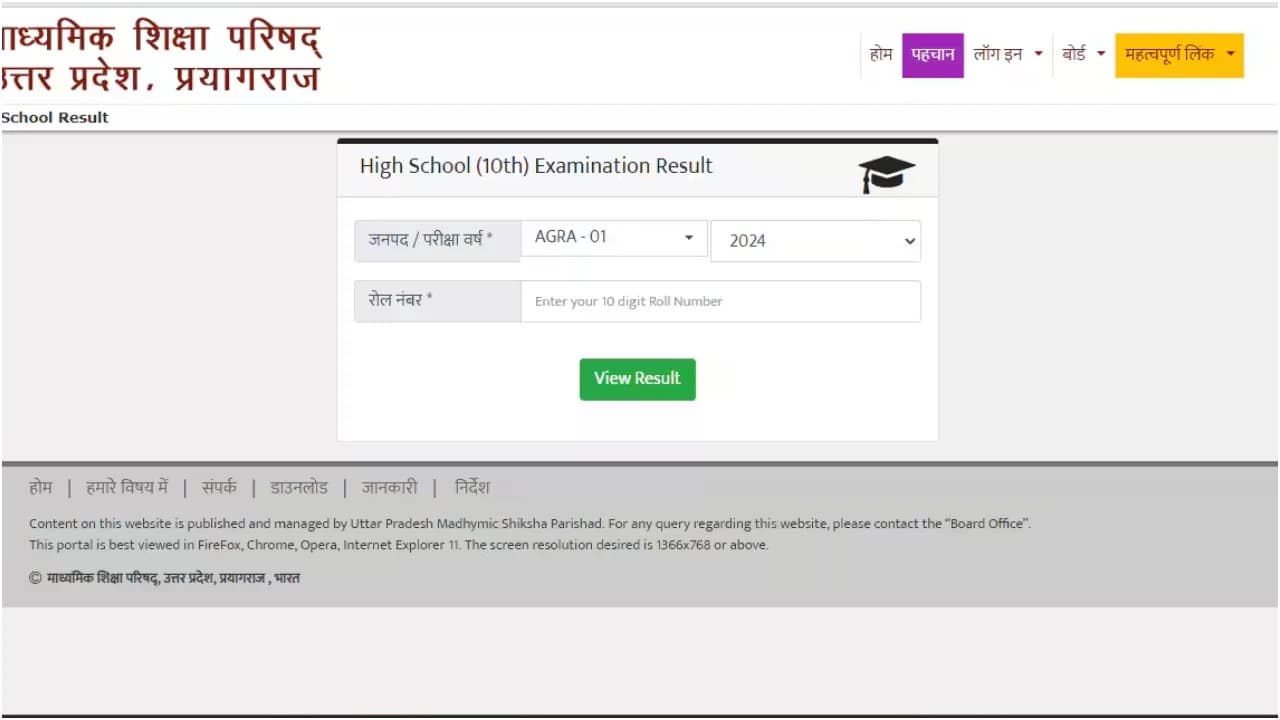
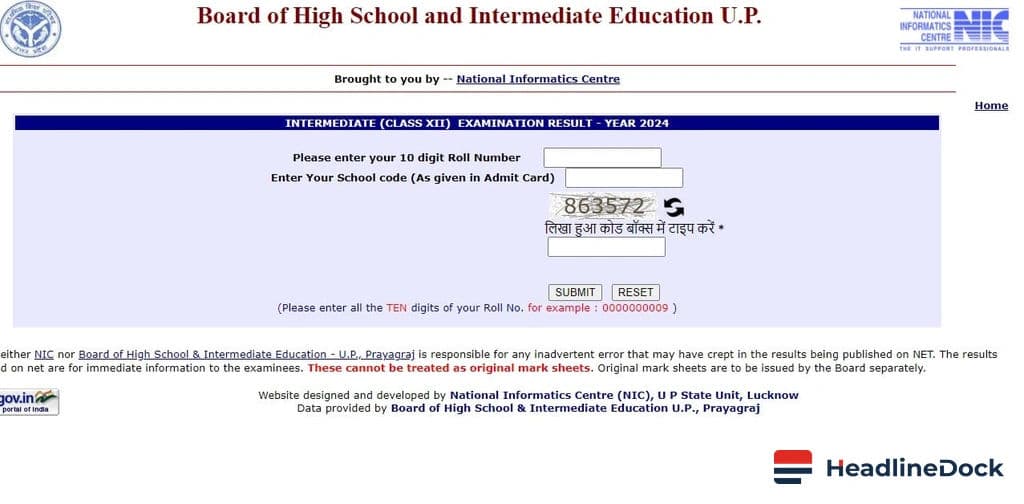
How to Access Your UP Board Results: UPMSB result information can be accessed through their official websites: upmsp.edu.in and upresults.nic.in. Additionally, students can use DigiLocker, the UMANG application, or send SMS queries to check their marks.
In-detail Roll Sheet Information:
- Roll number
- Roll code
- Father's name
- Mother's name
- Subject names and obtained marks for both Theory and Practical exams
- Total marks, pass/fail status, and division details.
To check your results, follow these steps:
- Visit IndiaResults.com.
Select the state as "Uttar Pradesh."
Click on the "UP Board 10th Result 2026" link. - Enter your student's name and click the submit button.
Choose the correct parent name from the options provided.
Your result will be displayed on screen.
If you prefer checking results online:
- Go to upmsb.org/upmsp.edu.in.
- Select your class (10 or 12).
- Enter your roll number and other credentials.
Your result will appear on the screen.
You can print out the final marked sheet for future reference or study purposes.