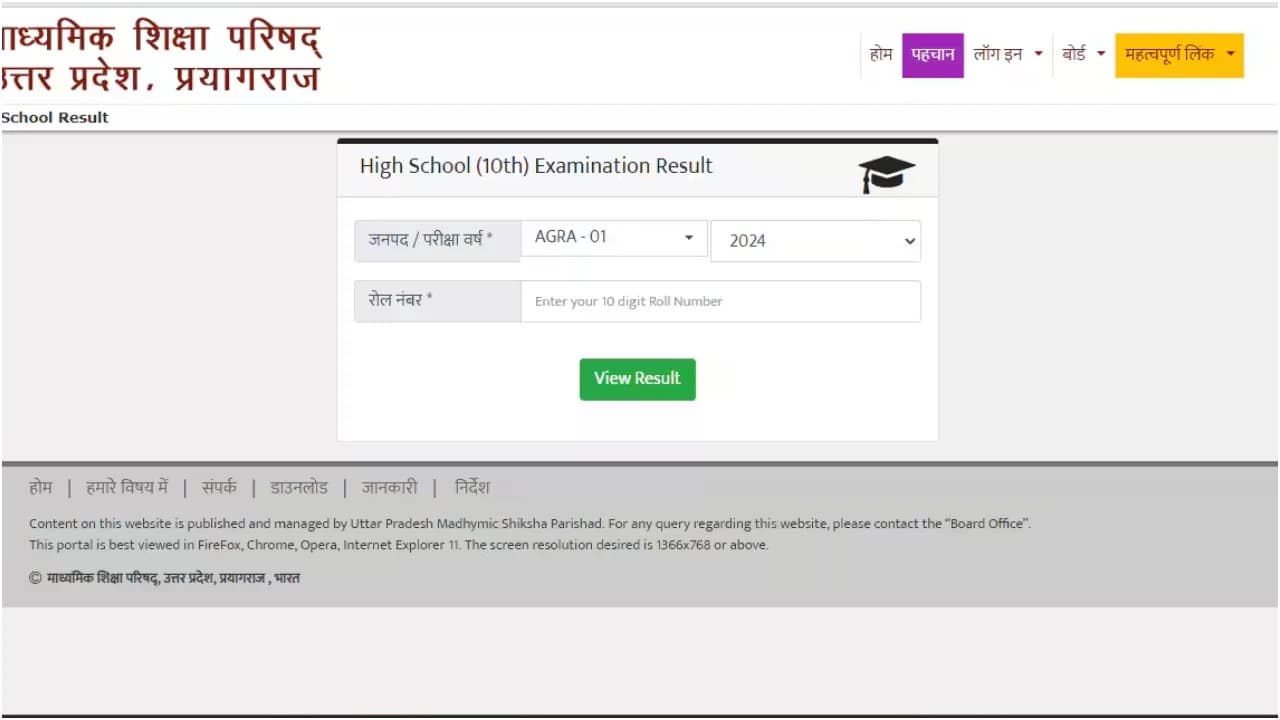
RBSE 12th Result Update: Tips to Secure Your Score
Students appearing for the RBSE Class 12 exams can check their scores through various platforms including online portals, DigiLocker, and SMS alerts. The official Rajasthan Board website and third-party websites like indiresults.com provide easy access to results.
Highlights
- •How to get SMS alerts on your results
- •Steps to check RBSE 12th result online
- •Using DigiLocker for secure result checking
- •Importance of printing scorecards for future reference
As the Rajasthan Board (RBSE) prepares to release its Class 12 results, students are eagerly anticipating their performance. With more than a hundred thousand candidates appearing in the examinations, checking the result accurately and efficiently is crucial.
The RBSE has made it easier for students to access their scores through various platforms, including official websites, mobile devices, and DigiLocker. The primary objective is to enable students to receive their results without any hassle or delay.
RBSE 12th Result & Check Your Score
To avoid the usual web traffic issues, students can register for alerts on result websites like indiresults.com. By entering your mobile number and email ID, you can ensure that you receive notifications on your phone or email as soon as the results are out.
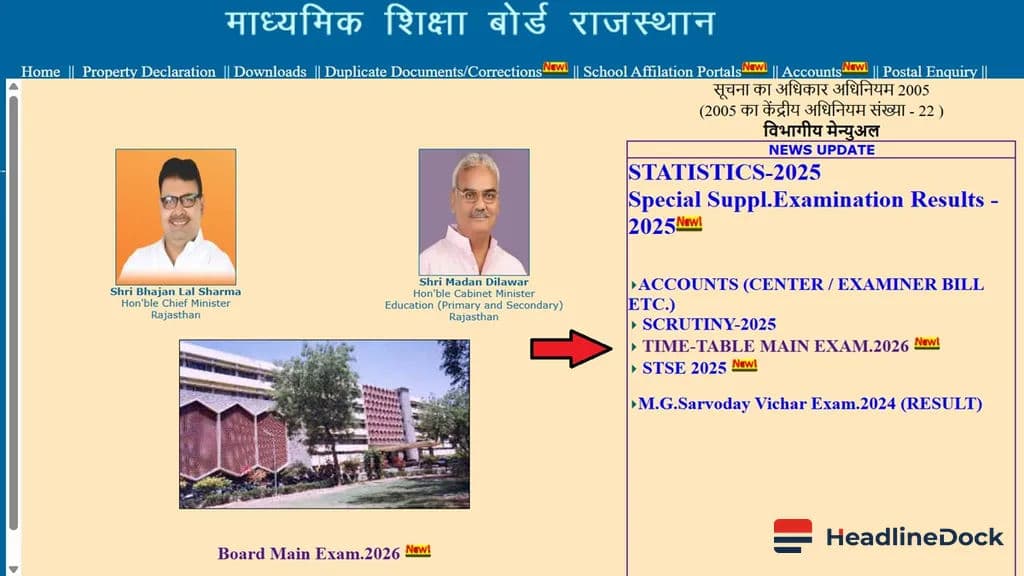
Alternatively, you can visit the official Rajasthan Board website (razeduboard.rajasthan.gov.in) to check your result online. Follow these simple steps: First, navigate to the homepage and look for the link to 'RBSE 12th Result 2026'. Enter your roll number, click on 'Submit', and you will see your result immediately.
Additionally, students can use SMS or DigiLocker to get their results. For SMS alerts, send a message with 'RJ12 [Roll Number]' to 5676750, and the results will be sent to your phone within minutes.
Ensure Accurate Results & Access
The DigiLocker app at results.digilocker.gov.in provides a secure and efficient manner to check your results. Simply download the DigiLocker app, log in with your credentials, enter your roll number, and view your result.
To make this process more manageable for everyone involved, HeadlineDock
- Visit the official website (razeduboard.rajasthan.gov.in).
- Select the link to 'RBSE 12th Result 2026'.
- Enter your roll number and click 'Submit' or 'View Result'.
- Your result will be displayed immediately.
To ensure you have a record of your results, download the scorecard and print it for future use. This step is crucial as it helps in verifying your performance during college admissions and other educational pursuits.