Easily Link Your Mobile Number to Aadhaar Card at Home
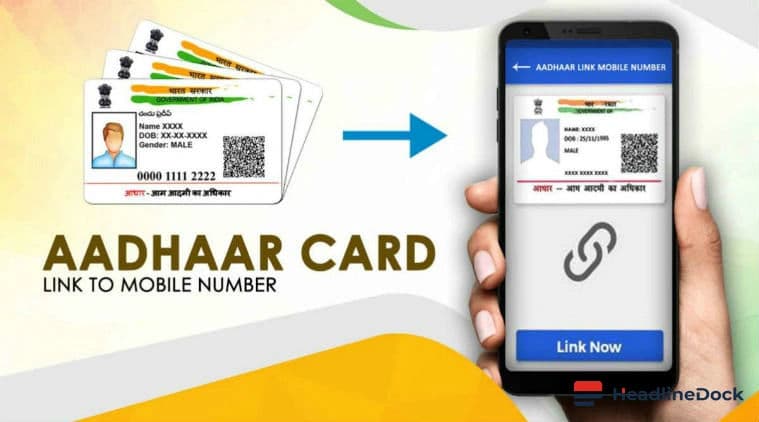
Linking your mobile number to Aadhaar card enhances digital transaction efficiency and avoids delays in essential services. The government's initiative simplifies this process allowing seamless updates from home.
Highlights
- •Ministry of Railways facilitates easy mobile number update
- •Download the official Aadhaar app for smooth linking
- •Create a M-PIN for secure login
- •Update your mobile number through My Aadhaar section
Ensure your daily transactions and services run smoothly by quickly linking your mobile number to your Aadhaar card. The Ministry of Railways has made this process user-friendly, allowing you to complete it right from the comfort of your home.
Your Mobile Number and Aadhaar: A Critical Pair
With the rapid advancement in digitization, having a mobile number connected to your Aadhaar card has become not just convenient but essential. Any transaction or service verification requires an OTP sent to your registered mobile number. To avoid any delays, it's important to keep both in sync.
Connecting Your New Number
The entire process of linking is straightforward and can be done through the official Aadhaar app. Here's how:
- First, download the Aadhaar app from the Play Store on your mobile device.
- Install the app and launch it for the first time log in using your Aadhaar number, OTP, or facial authentication.
- Create a six-digit M-PIN which will be used as your login credential.
Updating Your Number
- Open the Aadhaar app and enter the M-PIN to log in.
- Navigate to the “My Aadhaar” section to update your mobile number.
This easy two-step process will ensure that all future transactional communications are directed to your latest contact point. The convenience is unparalleled, making it a necessity for everyone who wishes to remain connected and up-to-date with government services.